 OTTAVA
Falling-notes lessons
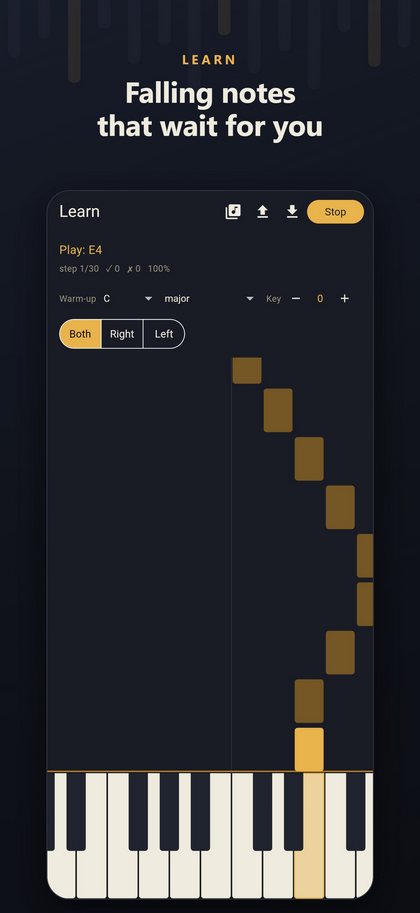
Notes fall onto the keys you need to play. Practise one hand at a time, slow it down, loop the hard bar, or switch to play-along and get graded on timing.
Plug in the keyboard gathering dust in the corner. Ottava gives you lessons that wait for your fingers, sheet music that reads along, and a short plan for every day, so the practice actually happens.
Windows · macOS · Linux · Web · iPhone, iPad & Android coming soon
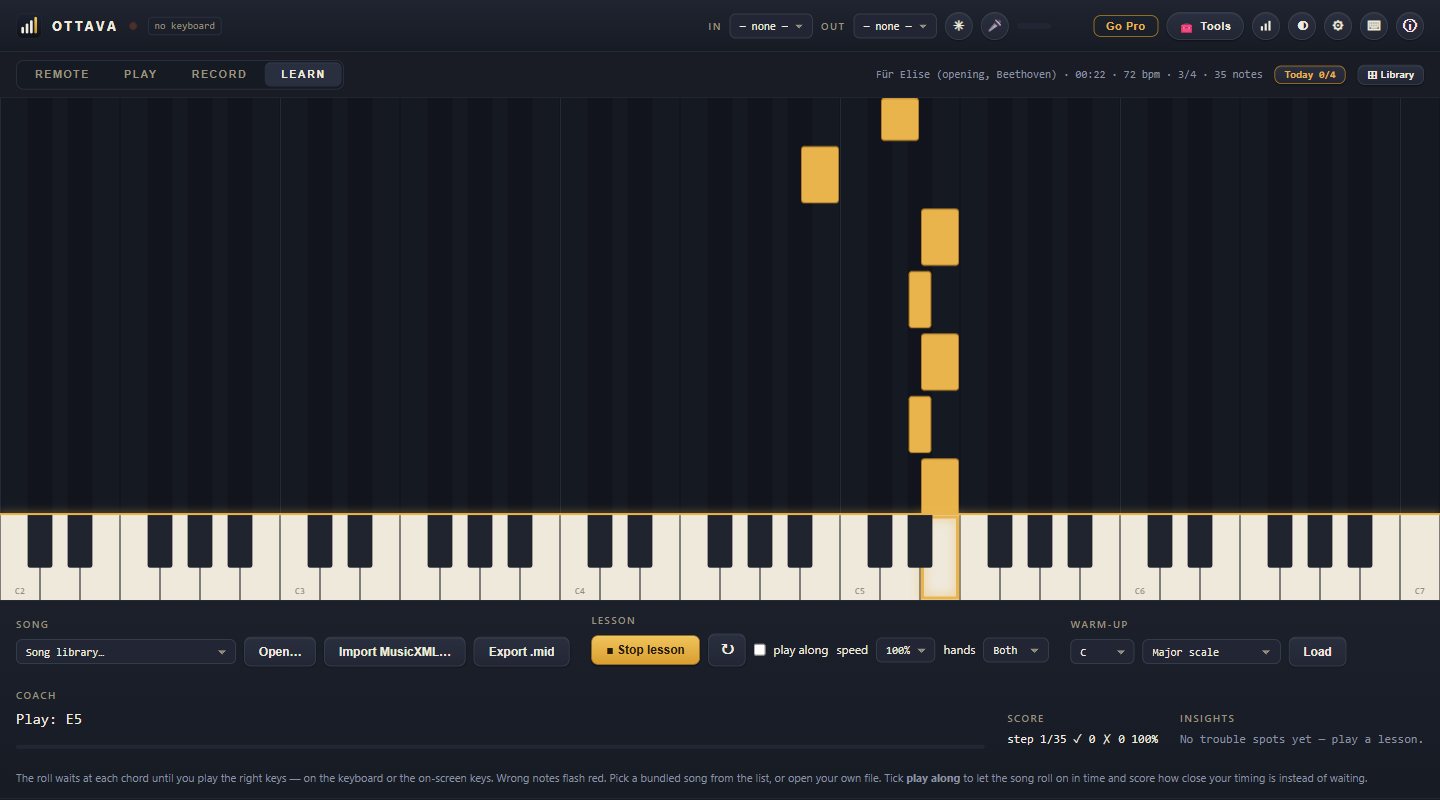
The song pauses at every chord until your fingers land it. No racing a video. When you're ready, play along in time and Ottava scores how close you were.
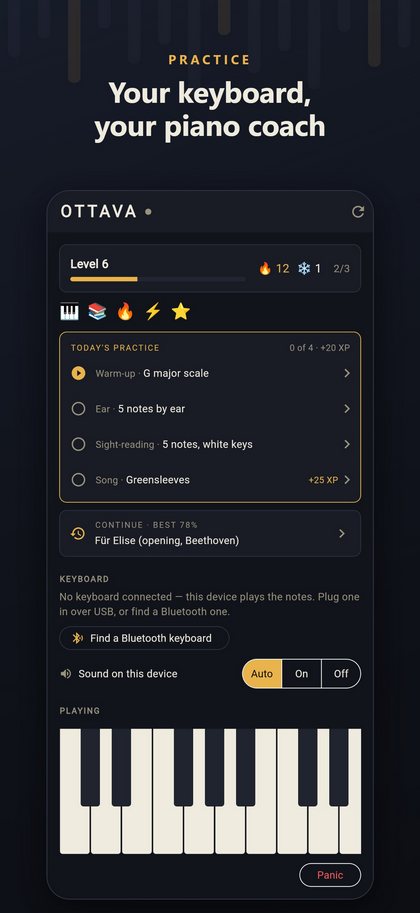
USB or Bluetooth, Yamaha to Casio to Roland to Korg: if it speaks MIDI, it connects. No keyboard yet? Use the on-screen keys, or let it listen through the mic.
No account and no tracking. Your playing, progress and songs stay on your device, and everything works offline.
Learn the piece, read it, hear it, and come back tomorrow. Each part is built around the keyboard in front of you.
Notes fall onto the keys you need to play. Practise one hand at a time, slow it down, loop the hard bar, or switch to play-along and get graded on timing.
Every song on a real grand staff, with clefs, key and time signatures. A cursor follows the music, and practice mode steps through the score note by note.
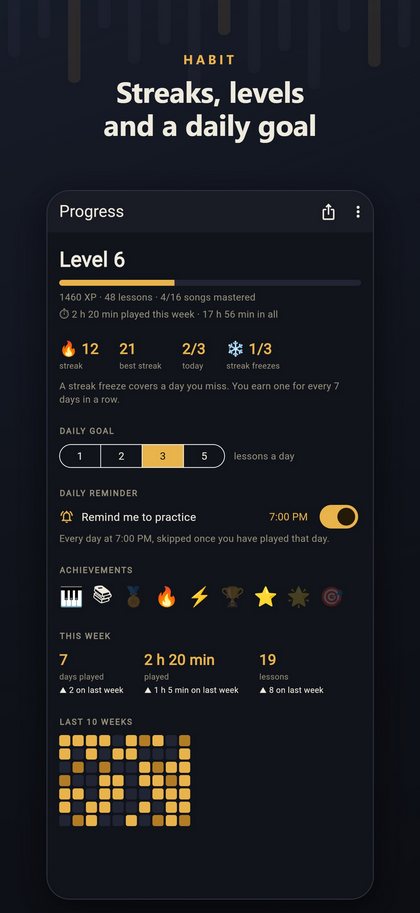
Four short steps each day: a warm-up, an ear exercise, a few notes of sight-reading and a song. Streaks, levels and a weekly recap show the progress.
Ottava notes the spots that trip you up across lessons, drills your hardest phrase on request, and brings pieces back for review before you forget them.
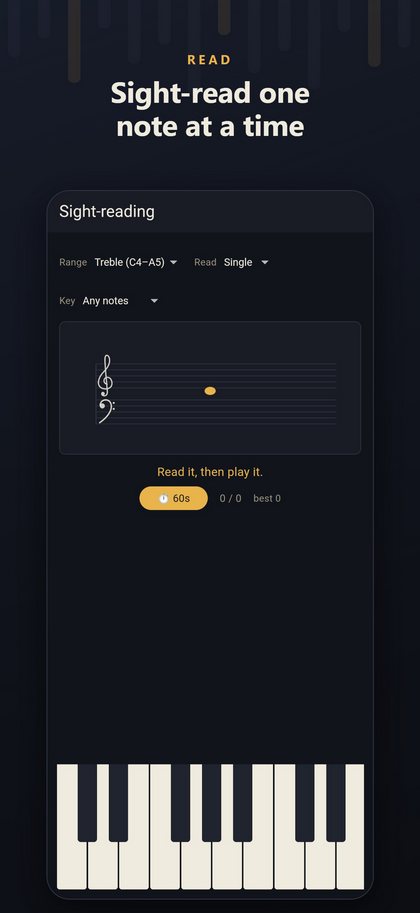
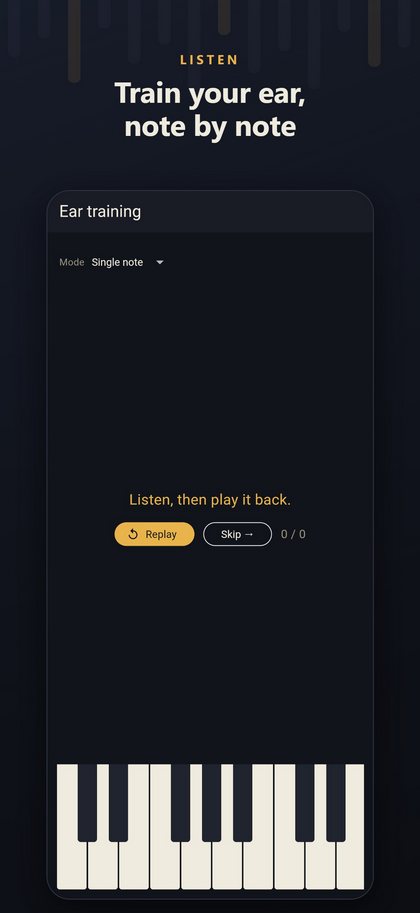
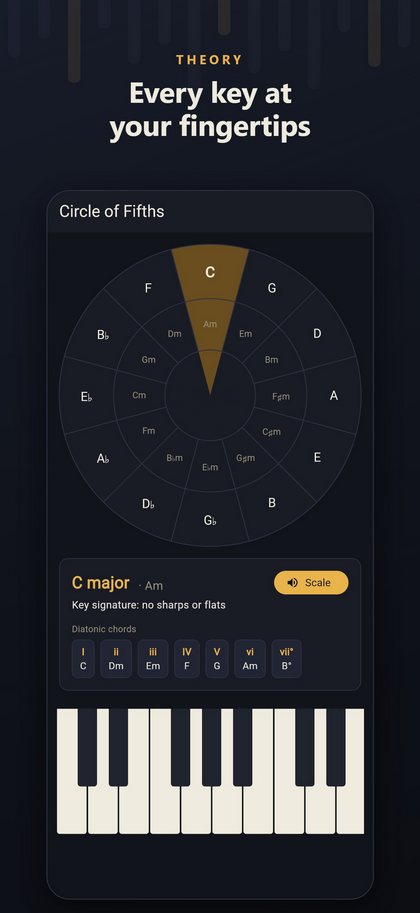
Trainers for notes, intervals, chords and melodies by ear, sight-reading, rhythm, key signatures and progressions, plus a circle of fifths and a chord and scale library.
Sixteen classics are included. Add any MIDI or MusicXML file and it becomes a lesson, and transpose it into an easier key in one click.
Record takes with a click and count-in and save standard MIDI files. The metronome has tap tempo and a speed trainer that nudges you faster bar by bar.
Improvise over a looping chord backing in any major or minor key. Ottava names the scale's notes, so everything you try fits.
Change voices, volume and sustain from the screen, or stream a song so it plays through the keyboard's own speakers while you follow along.
The phone and tablet app connects to the same keyboards over USB or Bluetooth, and plays through its own speaker when nothing is plugged in.
Ottava recognises every Yamaha line plus Casio, Roland, Korg, Kawai, Nord, Alesis, M-Audio, Akai, Novation, Arturia and more, over USB or Bluetooth MIDI. Any class-compliant MIDI keyboard works even if it isn't on the list. Use the keyboard's USB-to-Host port, not its headphone jack.
Lessons, sheet music, every trainer, the daily plan, recording and the bundled songs are free, with no time limit and no account.
Pro checkout opens soon. Everything in Free works today.
Open it in your browser right now, or install the desktop app. Installed apps keep themselves up to date.
No. Everything works with the on-screen keys and the built-in sound. On a computer, Ottava can also listen to an acoustic piano through the microphone, one note at a time.
Run a USB cable from the keyboard's USB-to-Host port (the square, printer-style socket) to your computer or phone, or pair it over Bluetooth MIDI. Ottava picks it up automatically.
Chrome and Edge on a computer, which can talk to MIDI keyboards. Other browsers can still use the on-screen keys. You can install it as an app from the browser menu.
It stays on your device. There's no account, no analytics and no ads. You can save a backup file of your progress and load it on another device. Details are in the privacy policy.
Yes. Open any MIDI file, or import MusicXML from notation apps such as MuseScore. Free includes three of your own songs; Pro removes the limit.